5 Essential Apps for Korea Travel: Don't Open Google Maps
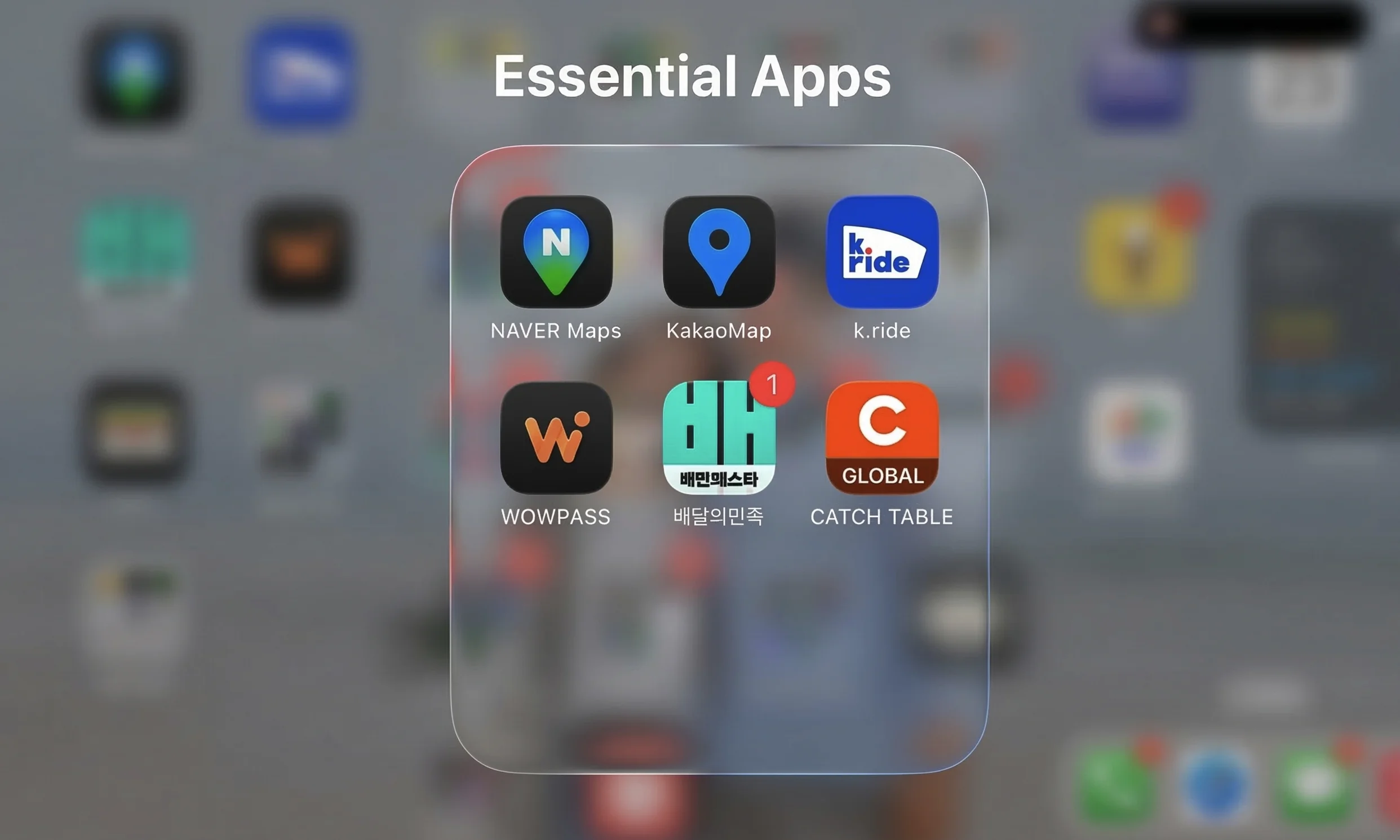
Naver Map, KakaoMap, K.Ride, WOWPASS, Baemin: five apps and real-world tips to navigate Korea like a local in 2026.
Stepped out of Incheon Airport and opened Google Maps. The blue dot appeared, but the roads didn't. Grey screen. Searched for a destination, no results, or it pointed somewhere wrong. Tried hailing a cab on the street. Nobody stopped. The Korean guy next to me was just staring at his phone, tapping away.
Finding your way works differently in Korea.
At a Glance
| Essential Apps | Naver Map, KakaoMap, K.Ride, WOWPASS, Baemin (배달의민족), CatchTable |
| When to Install | Before your flight: download and create accounts in advance |
| Payment | International cards (Visa/Mastercard) supported in most apps |
| Language | English UI available (Naver Map, KakaoMap, K.Ride, Baemin) |
| Key Takeaway | Naver Map instead of Google Maps, K.Ride instead of street hailing |
Navigation: Naver Map & KakaoMap
Google Maps doesn't do directions in Korea. Walking, driving, transit, none of it. Government regulations block map data from leaving domestic servers. No Korean uses Google Maps to get around.
You need Naver Map. The blue dot tracks you through the narrow alleys of Jongno without a hiccup. It tells you, in English, when the next bus arrives and which subway door number (e.g., 3-4) is closest to the transfer corridor.
KakaoMap also supports English. It does mostly the same thing as Naver Map, but integrates with Kakao Taxi (Kakao T). Install both and use whichever returns better search results. Koreans switch between the two all the time.
If a cafe you found on Instagram doesn't show up in English search, just copy-paste the Korean address directly. The destination will always appear on screen.
Tip: Both apps let you switch the language to English in settings. The entire UI switches over, and search works in both Korean and English.
Taxis: K.Ride
Midnight near Hongdae. You wave your hand, but empty cabs blow right past. Koreans don't hail taxis on the street anymore. They call them through apps.
Locals use Kakao T, but sign-up is tricky with a foreign number. K.Ride lets you register with an international phone number. Enter your destination, pick a vehicle type, and pay with the international credit card you registered, all in one flow.
The most useful feature is real-time translated chat. Type "I'll wait in front of the convenience store" in English, and it shows up in Korean on the driver's screen.
K.Ride 20% off, Enter referral code 967 801 084 when signing up for 20% off your first ride. Get the coupon here
Payment & Transit: WOWPASS
Korea is almost entirely cashless. Convenience stores, street stalls, taxis, cards work everywhere. The only places that still need cash are a few vendors at traditional markets.
If foreign card fees bother you, WOWPASS is the answer. Feed foreign bills into a kiosk at Myeongdong or the airport, and your money converts to Korean won and loads onto the card on the spot. It supports 16 currencies. The card works at any Visa merchant, and you earn cashback at convenience stores and Olive Young.
The WOWPASS card has T-money transit built in. No need to buy a separate T-money card. Transfer your payment balance to the transit balance in the app, and you can tap onto subways and buses right away. Balance checks, credit card top-ups, and finding nearby kiosks, all in the app.
For a detailed comparison of transit card options, see The Complete Guide to Seoul Transit Cards.

Delivery & Reservations: Baemin & CatchTable
Spreading a mat under a Han River bridge and ordering chimaek (fried chicken + beer) is one of those Korea experiences you don't skip. Crispy batter, cold beer sliding down your throat. Used to be impossible without a Korean phone number.
In 2026, Baemin (배달의민족) opened global payment. Go through the guest order flow and pay with Visa, Mastercard, WeChat Pay, or Alipay. Put the hotel front desk number in the phone field and write "Lobby pickup" in the request notes.
For popular restaurants with long waits, use CatchTable Global. An email address is all you need to put down a deposit with an international card and secure a table.


Pre-Departure Checklist
Once the apps are installed, you're halfway there. The rest sorts itself out after landing.
| Order | What to Do |
|---|---|
| Before your flight | Install Naver Map, KakaoMap, K.Ride, WOWPASS, Baemin + create accounts |
| At the airport | Exchange currency and get a card at a WOWPASS kiosk |
| First ride | Tap onto the subway with your WOWPASS card (T-money built in) |
| At the hotel | Order fried chicken on Baemin and eat |
The moment you close Google Maps and open Naver Map, Korea starts to look different. Roads appear. Taxis show up. Chicken arrives. All you need is one phone.
Resources
Helpful links mentioned in this article.
We may earn a small commission at no extra cost to you.
Got Questions? We Can Help
No question is too small. We'll look into it and get back to you.